Nano Banana 2 Lite

Nano Banana 2 Lite
Image Generator

Create and edit polished images from text prompts and optional reference images in a focused creative workspace.

Text-to-image
Image-to-image editing
Prompt templates
See Examples

Use text prompts alone, or upload a reference image for image-to-image editing.

Template Example
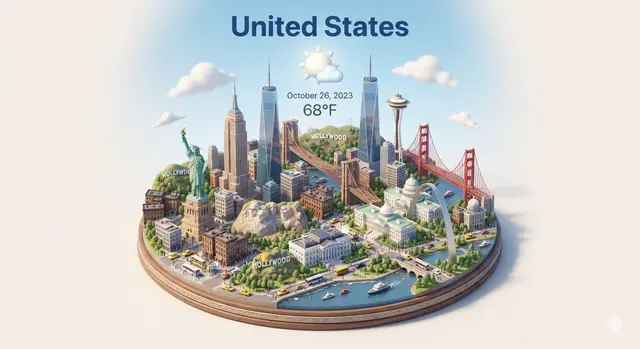
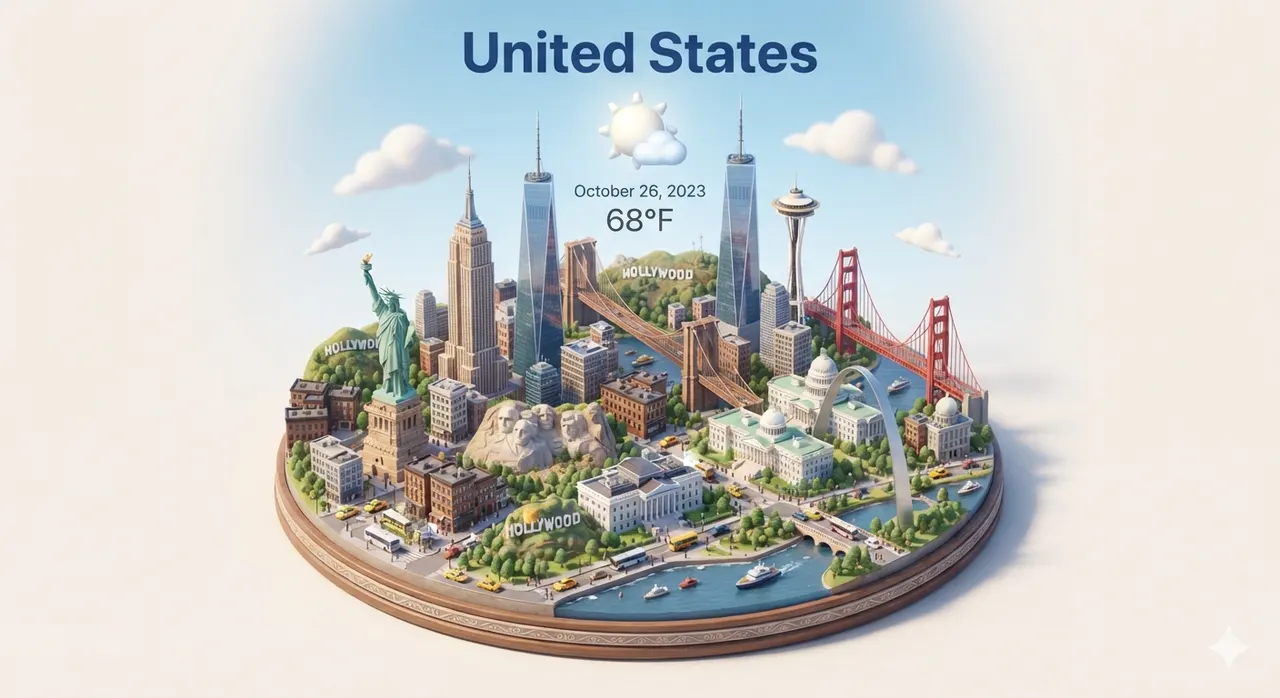
Nano Banana 2 Lite isometric city weather card example

Featured Prompt Templates

Start from high-impact templates. Open a detail page for the full prompt, or generate directly.

Browse all templates
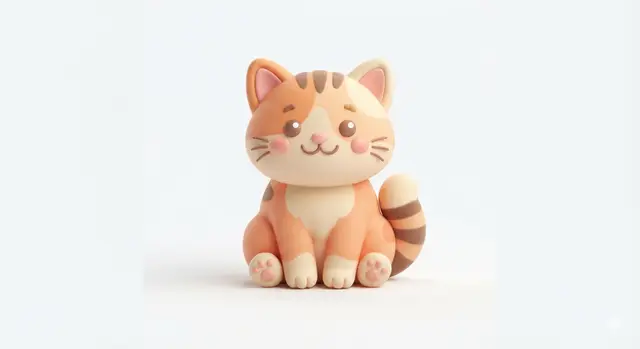
Cute 3D Cat Icon
Icons

Cute 3D Cat Icon

View details
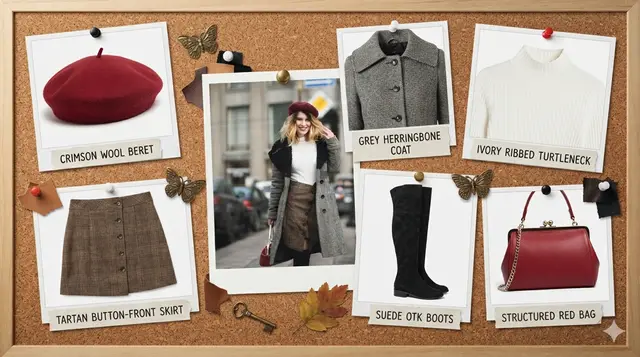
Outfit Corkboard
Fashion

Outfit Corkboard

View details
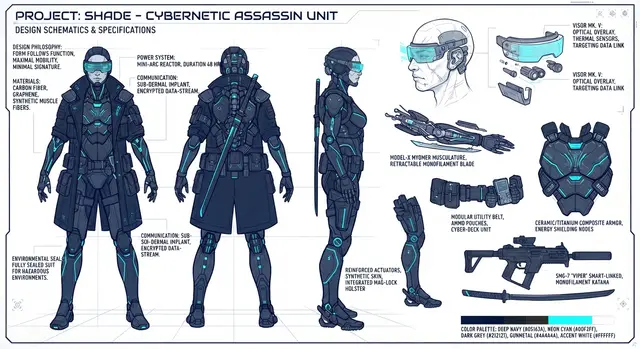
Cyberpunk Assassin Sheet
Characters & Portraits

Cyberpunk Assassin Sheet

View details
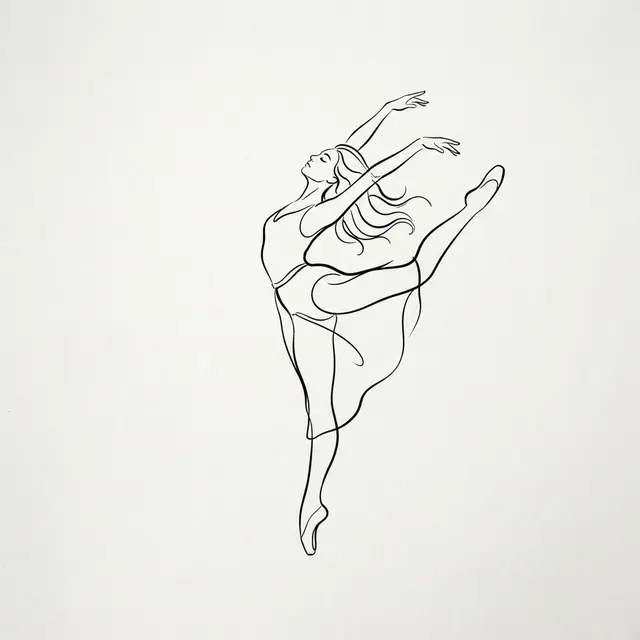
Minimalist Dancing Girl
Characters & Portraits

Minimalist Dancing Girl

View details
Crimson Studio Portrait
Characters & Portraits

Crimson Studio Portrait

View details
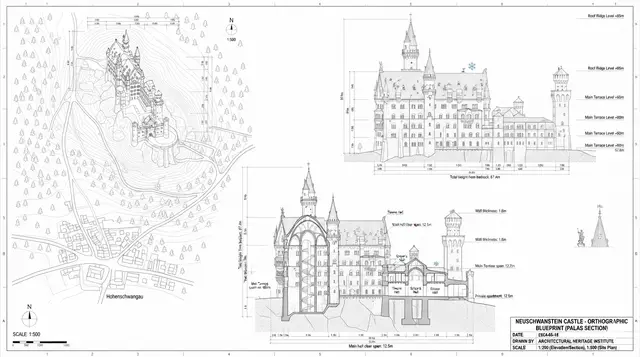
Architecture Blueprint
Architecture

Architecture Blueprint

View details
Isometric weather card
Isometric

Isometric weather card

View details
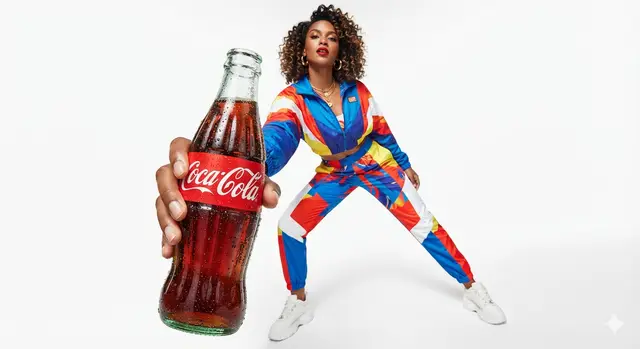
Low-angle product campaign
Advertising & Products

Low-angle product campaign

View details

Nano Banana 2 Lite Features

A focused AI image workspace for fast image generation, reference-image editing, and prompt experiments.

1
Generate from text

Describe a scene, product visual, character, UI card, thumbnail, or social post and generate a polished image.

2
Edit from a reference image

Upload a reference image, then ask Nano Banana 2 Lite to restyle, extend, refine, or transform it.

3
Start from examples

Use practical templates for icons, outfit boards, architecture drafts, and city cards.

Nano Banana 2 Lite Image Generator for Everyday Image Work

Nano Banana 2 Lite is an AI image generator for creators who want to move from idea to finished image without rebuilding a prompt from scratch every time. Use it for text-to-image generation, image-to-image editing, character concepts, product visuals, portraits, line art, social content, and quick creative tests online for teams. The workflow is simple: choose a prompt template, upload an optional reference image, adjust the prompt, preview credit use, and generate the final image in the workbench.

Generate Images from Prompts

The main Nano Banana 2 Lite workflow starts with a prompt. You can describe the subject, composition, lighting, background, camera framing, art style, color palette, and negative constraints in one place. If you are creating a product image, write the product type, material, campaign mood, studio setup, and intended platform. If you are creating a character image, describe the face, hairstyle, outfit, pose, expression, and rendering style. If you are creating a design asset, describe layout, icon shape, line quality, typography limits, and output use. The generator keeps the prompt visible so you can edit small details instead of restarting.

Transform Reference Images

Nano Banana 2 Lite also supports reference-image workflows. Upload a portrait, avatar, product photo, sketch, or existing design when identity, silhouette, structure, or style continuity matters. A reference image gives the model visual information that text alone may not capture. You can ask the tool to preserve the same face, hairstyle, clothing colors, object shape, pose, material, or scene layout while changing style, lighting, background, camera angle, or visual polish. This is useful for image transformation, character consistency, product variation, fashion concepts, and before-and-after creative edits.

Use Prompt Templates as Starting Points

The prompt template library is built to reduce blank-page friction. Instead of writing a long prompt from memory, choose a template for a common image task: character design sheet, semi-realistic character art, portrait photography, line art conversion, product advertising, architecture blueprint style, outfit board, or social avatar. Each template includes an example image and a prompt that you can copy or load into the generator. Prompt templates are not meant to lock the result; they give you a tested structure that you can adapt to your own subject, reference image, and output goal.

Why the Workbench Matters

The public pages help you choose a tool and start generation, while the workbench handles output review, downloads, history, credits, and continued editing. This separation keeps each SEO page focused on one search intent while giving signed-in users a consistent production workspace. For example, a user searching for an AI character generator can land on the character tool page, pick a preset, generate, and then continue in the workbench output area. A user searching for prompt templates can browse examples first, then send one template to the same workbench workflow.

Plan Repeatable Image Generation Workflows

A reliable image generator is most useful when the same workflow can be repeated with small changes. Nano Banana 2 Lite supports that pattern by keeping prompts, reference images, templates, and output review close together. You can build a product campaign direction, then reuse the same prompt template for another colorway. You can create a character portrait, then move to a character design sheet page for views and expressions. You can test a line art conversion, then save the prompt structure for future sketch work. This makes Nano Banana 2 Lite useful for individual creators, small teams, marketers, designers, and anyone who needs many image variations without losing control of the creative brief.
Nano Banana 2 Lite FAQ

What can I make with Nano Banana 2 Lite?

You can generate images from text prompts, transform reference images, create character concepts, make prompt-template based visuals, edit portraits, explore product visuals, and download generated results.

Do I need a reference image?

No. You can use Nano Banana 2 Lite with text only. Upload a reference image when you want to preserve a face, product shape, outfit, sketch, composition, or visual identity.

Are prompt templates required?

No. Prompt templates are optional starting points. They are useful when you want a proven structure for a recurring image generation task.

How should I write better image prompts?

Start with the subject and intended output, then add composition, lighting, camera framing, style, color palette, reference-image rules, and negative constraints. For Nano Banana 2 Lite, clear prompts work best when they explain what must stay consistent and what should change. A practical prompt can also mention the final use, such as a profile image, product ad, character concept, sketch reference, or social post, because the intended use affects crop, detail level, and background complexity.

When should I use a dedicated tool page?

Use the home generator for general image creation. Use a dedicated tool page when the job has a clearer intent, such as character generation, character design sheets, semi realistic character art, or prompt templates. Dedicated pages provide focused examples, presets, instructions, and FAQ content for that exact workflow. This makes the path clearer for new visitors and gives returning users a faster way to repeat a familiar image generation task with Nano Banana 2 Lite and consistent prompt structure for future image projects and reusable creative production workflows online.